Evaluate Folder Lock as a storage component
Official NewSoftwares materials describe encrypted lockers and selected cloud workflows. That may fit a Windows-based travel archive after compatibility, unlock, export and restore behavior are tested. It does not turn a scan into a valid travel document, authorize a recipient, guarantee backup, bypass a forgotten password or replace an issuing authority’s process.
Build a testable recovery path
- 01Verify the current edition, Windows compatibility, pricing and licensing from official sources.
- 02Test locker creation, import, reopen and export with synthetic documents.
- 03Inspect Downloads, temp folders and sync locations for leftover plaintext.
- 04Create and restore a separately stored recovery copy on a representative device.
- 05Compare the result with managed cloud storage, full-disk encryption and other alternatives.
Log the decision without copying identity data
Document product and OS version, source, price-check date, chosen features, plaintext paths, backup dependency, restore result, authorized users, emergency access plan and exit method.
Stop and investigate when
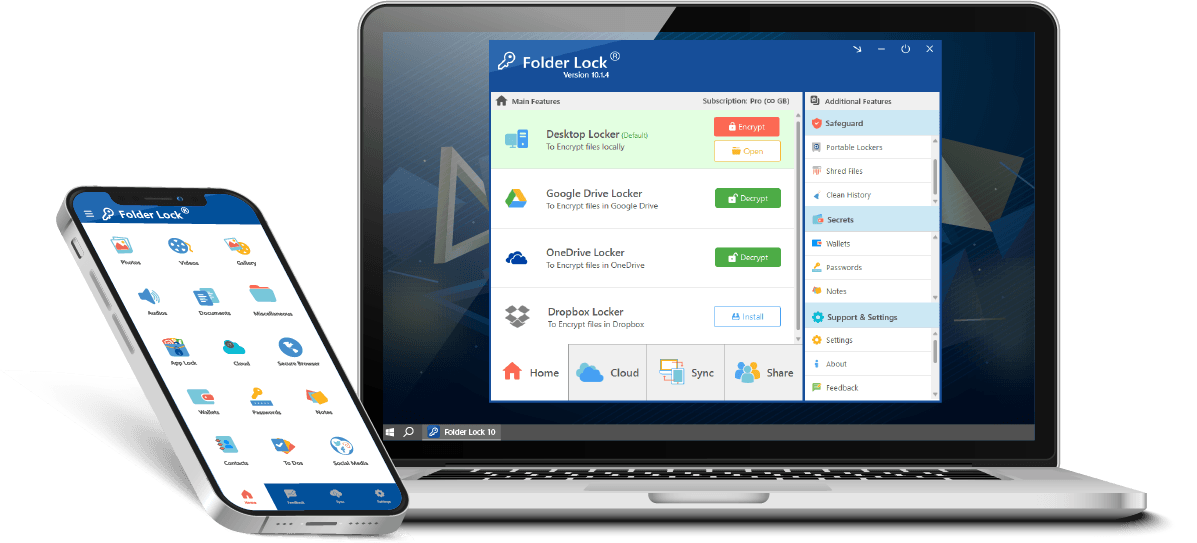
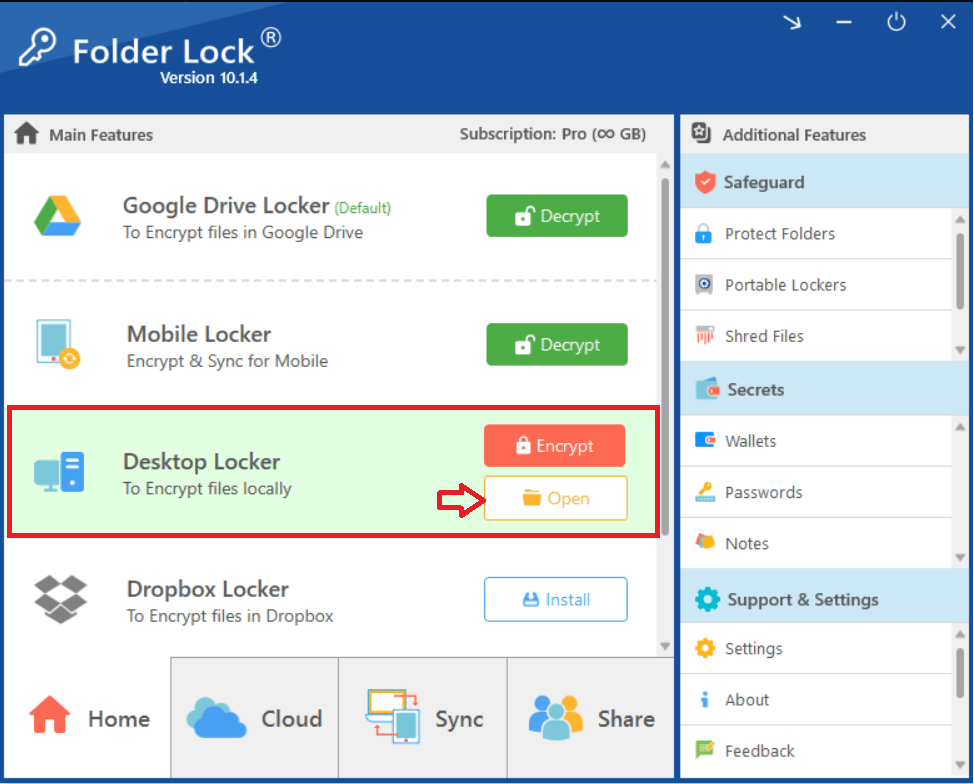
- Legacy artwork is presented as the current interface.
- One locker on one laptop is called a complete emergency backup.
- The product is described as passport replacement or legal authorization.
A scan is not a replacement passport
Does not replace provider permissions, guaranteed backup, password recovery or enterprise identity management. A protected copy may support a process, but the issuing authority, destination and carrier decide what is accepted.
Check each product boundary



Emergency backup questions
Can Folder Lock replace a lost passport?
No. Contact the issuing authority and follow its current replacement or emergency-document process.
Are these screenshots current?
They are supplied legacy-version materials. Verify the current release on the actual device before relying on it.
Use current official guidance
- NewSoftwares: Folder Lock features
- NewSoftwares: encrypt files with Folder Lock
- U.S. State Department: lost or stolen passport abroad
Nationality, destination, carrier and current issuing-authority rules control. Links support the stated decision and do not imply endorsement.