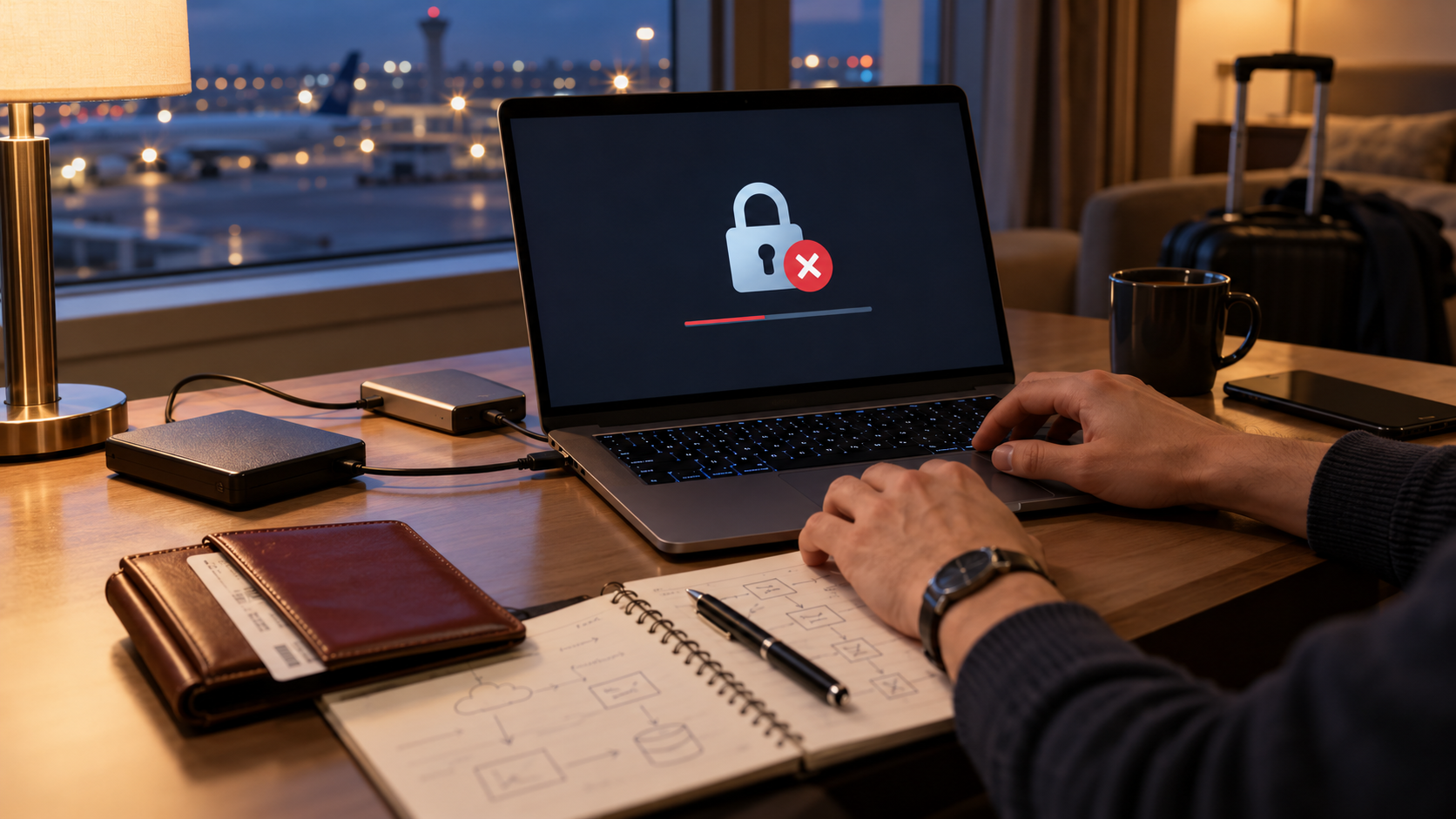
Preserve the archive before attempting repairs
When an emergency package will not open, protect the original container and record the exact environment. Test only a verified copy, change one variable at a time and avoid uploading passport scans or encryption secrets to unverified repair services. Use the official replacement process even while troubleshooting.
Build a testable recovery path
- 01Start the official lost-document or emergency-travel process immediately when relevant.
- 02Preserve the original archive, device state, error and last known successful access.
- 03Create a hash-verified working copy for controlled tests.
- 04Check credentials, software version, storage health and account dependencies separately.
- 05Escalate with sanitized logs and use the verified recovery copy when available.
Log the decision without copying identity data
Record time, location category, archive identifier, original hash, error, device and software version, tests, support source, recovery copy used, exposure risk and resolution.
Stop and investigate when
- A repair site asks for the real passport archive or password.
- Repeated tests modify the only remaining copy.
- Troubleshooting delays reporting a lost or stolen passport.
A scan is not a replacement passport
Does not replace provider permissions, guaranteed backup, password recovery or enterprise identity management. A protected copy may support a process, but the issuing authority, destination and carrier decide what is accepted.
Emergency backup questions
Should I wait for the archive before contacting an embassy?
No. Follow the issuing authority’s emergency instructions promptly; the archive is only supporting material.
What evidence can I share with support?
Use sanitized error text, version details and test conditions—not real identity documents or secrets.
Use current official guidance
Nationality, destination, carrier and current issuing-authority rules control. Links support the stated decision and do not imply endorsement.